
How the Launch Pack Works — A Visual Guide
Quick visual walkthrough of the Dear Pantser Launch Pack: generate 15 marketing assets from your cover in one click — Instagram, Facebook, Pinterest, Kindle Ads, A+ Content, and more.
15 Marketing Assets. One Click.
The Launch Pack generates a complete marketing kit from your book cover — Instagram posts, Facebook ads, Pinterest pins, Twitter banners, Kindle Ads, A+ Content modules, email headers, and quote cards. All sized correctly, all matching your cover's style.
No Canva. No Photoshop. No hiring a designer. One click, 15 assets, ready to publish.

This guide walks you through the full workflow.
Step 1 — Pick a Cover
The Launch Pack starts from a cover. In the Marketing Hub, select which book project you want to create assets for.
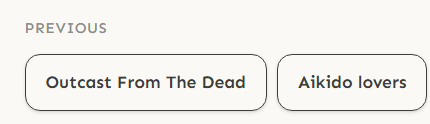
You'll also see all your generated covers in a shelf — click the one you want as the base image for all assets.
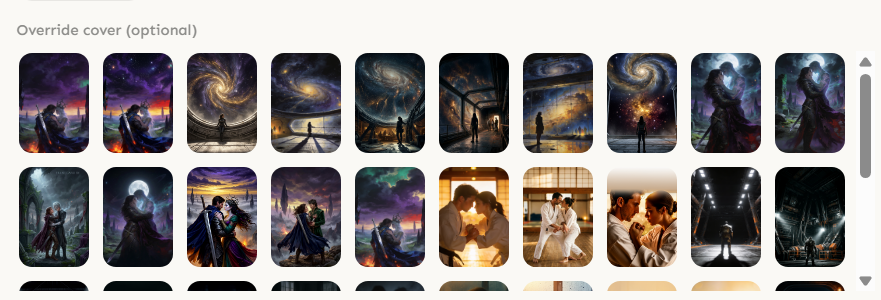
Step 2 — Fill the Form (or Let AI Do It)
The form asks for Book Title, Author Name, and Blurb. You can also add a hook line and a book quote.

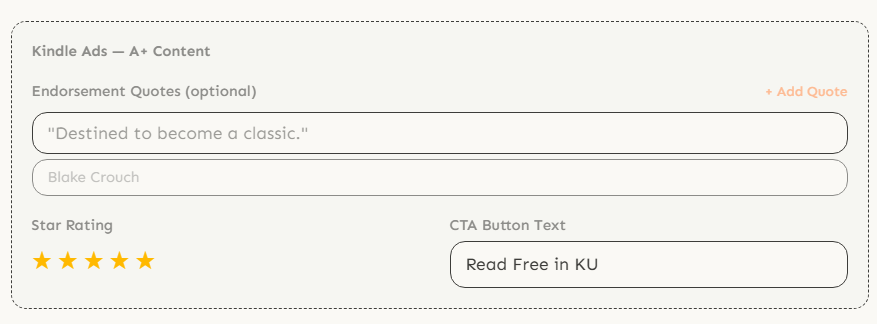
For Kindle Ads & A+ Content, there's an optional section where you can add endorsement quotes, star ratings, and a CTA button text.
Don't want to fill everything manually? Click Auto-fill with AI (1 credit) — the AI reads your cover and generates the blurb, hook, and quote automatically.

You can also add extra instructions for the AI — style directions, font preferences, mood adjustments.
Step 3 — Browse Your Assets
After generation, all 15 assets appear in a grid. Each card shows the asset name, dimensions, and action buttons.
The toolbar at the top lets you:

With Text | Clean — toggle between the version with typography overlay and the clean background-only version.
Download All — downloads every asset as WebP files (with text + clean versions).
Finalize All — upscales every asset to 1K resolution using AI (15 credits). The final quality is dramatically sharper.
Step 4 — Edit Any Asset
Click the edit icon on any asset card to open the inline editor.
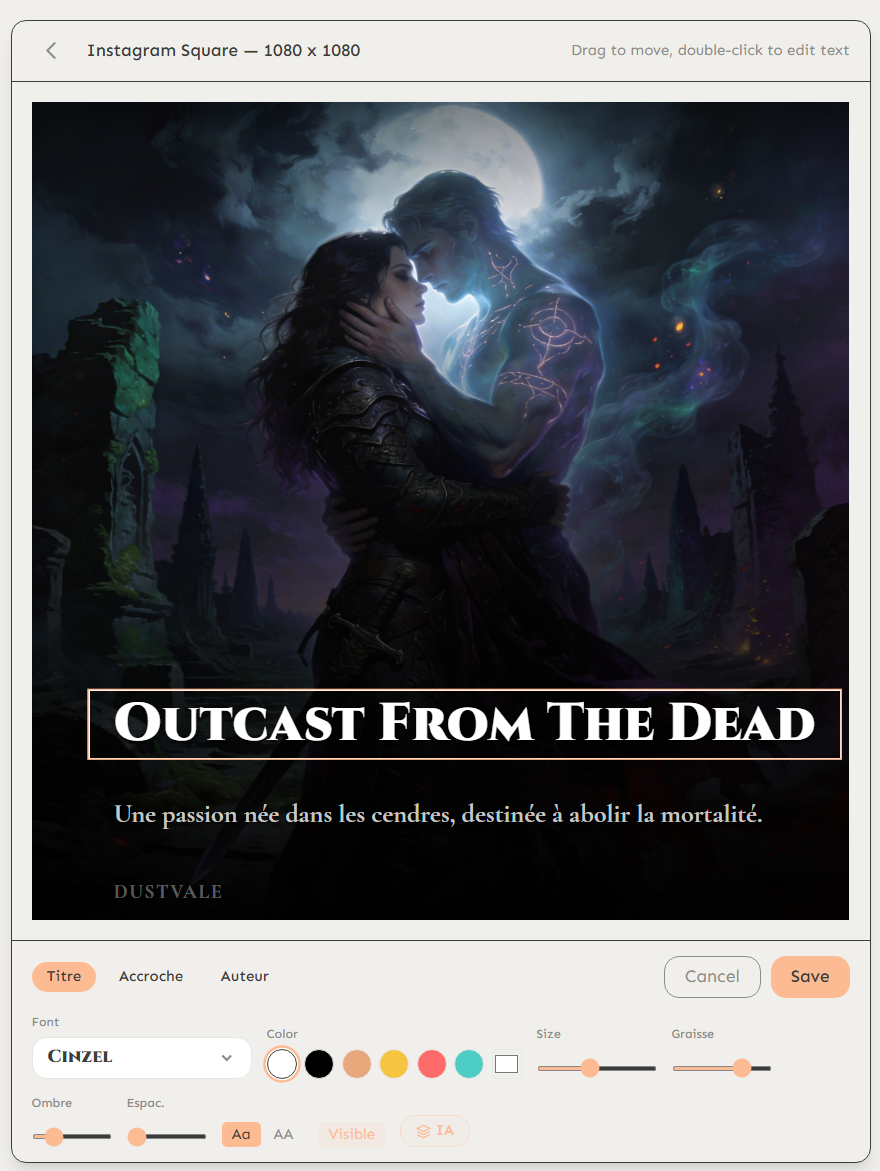
The editor gives you full control:
Drag to move — reposition any text label by dragging it on the canvas.
Double-click to edit — change the text content directly.
Font, Color, Size, Weight — customize each label (Title, Tagline, Author) independently.
Shadow & Exposure — add text shadow for readability, adjust background exposure.
Switch between Title, Accroche (tagline), and Auteur tabs to edit each text layer separately. Hit Save when done.
The IA toggle lets the AI suggest typography improvements.
Step 5 — Finalize to 1K
When you're happy with the assets, click Finalize All to upscale them to 1K resolution. You can also add a global style direction.

The finalized assets are polished, high-resolution versions ready for professional use. The Launch Pack is multilingual — it generates text overlays in your book's language. Here's an example in French:
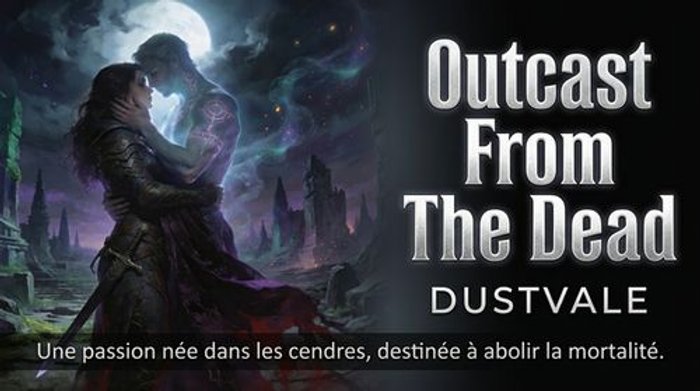
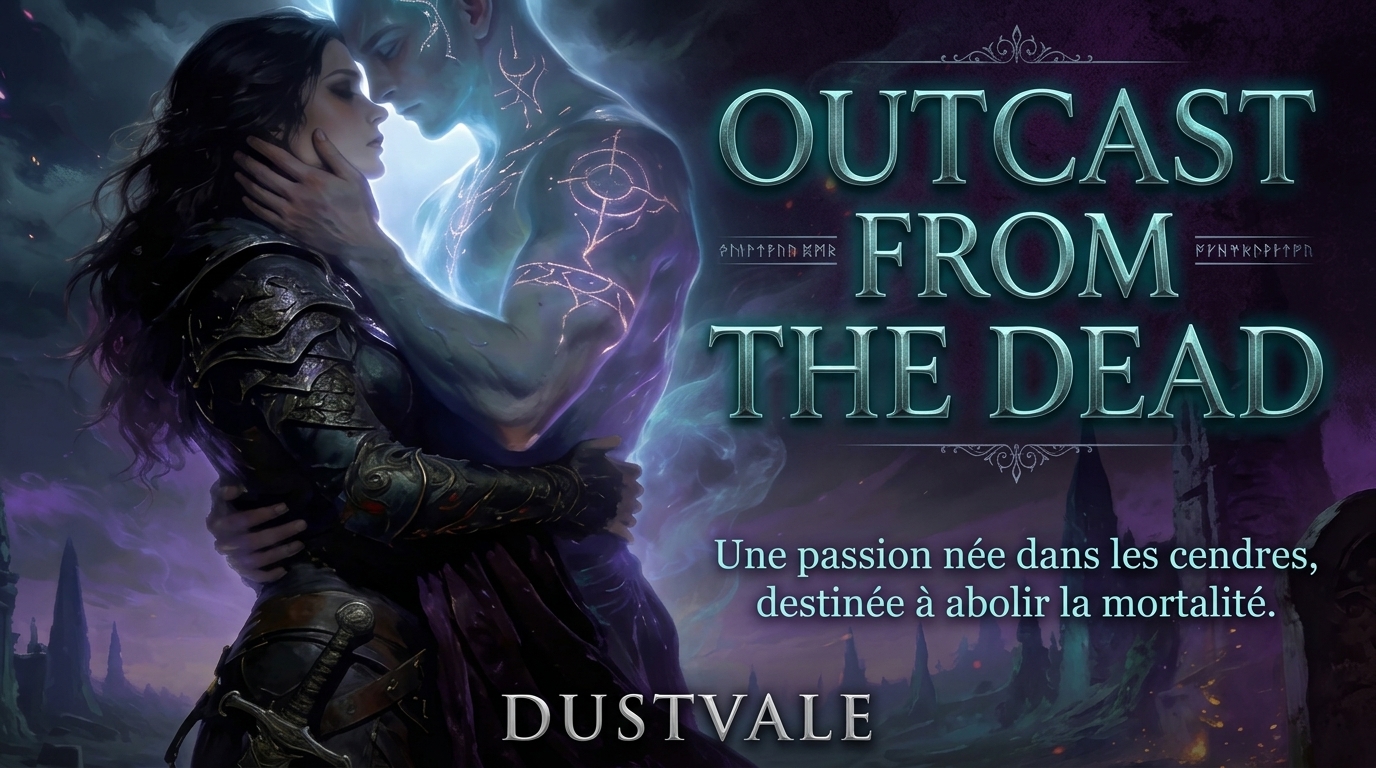
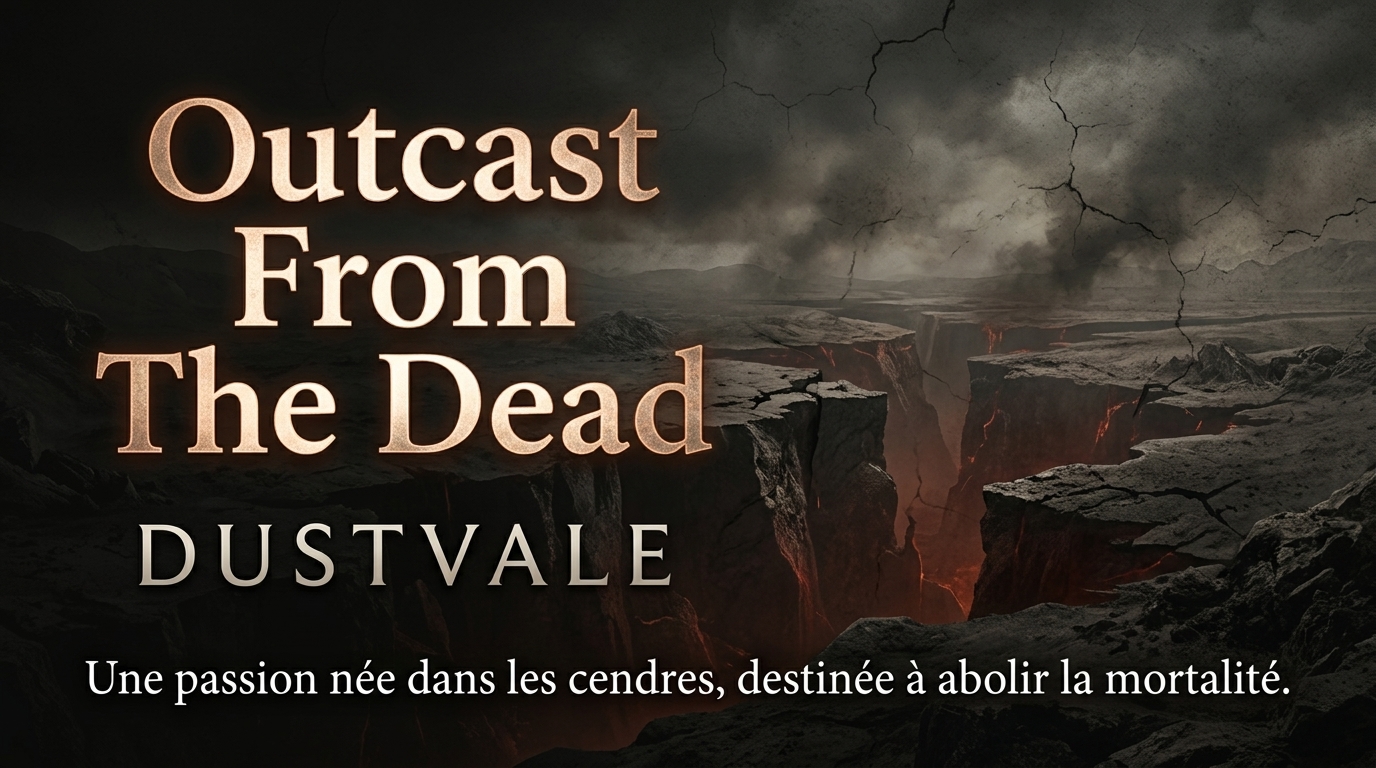
Finalized assets are sharp enough for print, ads, and retina displays.
What You Get — All 15 Formats
Every Launch Pack generates these 15 assets, all sized to platform specifications:
Kindle & Amazon
Kindle Display Ad (980 x 550) — for Sponsored Display campaigns.
Kindle Lockscreen Ad (1024 x 1500) — shows on Kindle device lockscreens.
Sponsored Products Ad (1200 x 628) — for Amazon Sponsored Products campaigns.
A+ Cover Showcase (970 x 600) — for your A+ Content product page.
A+ Hook (970 x 600) — hook line with cover art for A+ Content.
A+ Quote (970 x 600) — book quote module for A+ Content.
A+ Social Proof (970 x 600) — endorsements and ratings for A+ Content.
Email & Extras
Email Header (600 x 200) — sized for newsletter headers (Mailchimp, ConvertKit, etc.).
Quote Card (1080 x 1350) — a standalone quote card for social sharing.
Every asset comes in two versions: With Text (title, tagline, author overlaid) and Clean (background only, for custom editing in Canva/Photoshop).
Start Publishing with Dear Pantser
AI covers, market analysis, blurb writer, and plot tools — all in one place.
Get StartedRelated Articles
Unlock the power of Amazon Ads for authors. Learn how to set up, optimize, and scale your campaigns for profitability, starting with just $5 a day.
Master your book launch with our comprehensive 30-day checklist. Discover actionable steps, marketing strategies, and essential tools for indie authors.
Master your Amazon book categories strategy to reach the right readers. Learn how to select and optimize Kindle categories for maximum visibility and sales.